Hand your accountant what they asked for.
Export your chart of accounts and your full ledger as CSV files, with optional dates, in a layout your accountant or other software can read. A 1099 summary helps you prepare contractor forms at year end.
- CSV files any accountant can open
- Optional start and end dates
- 1099 summary of contractor payments
Your books are never locked in.
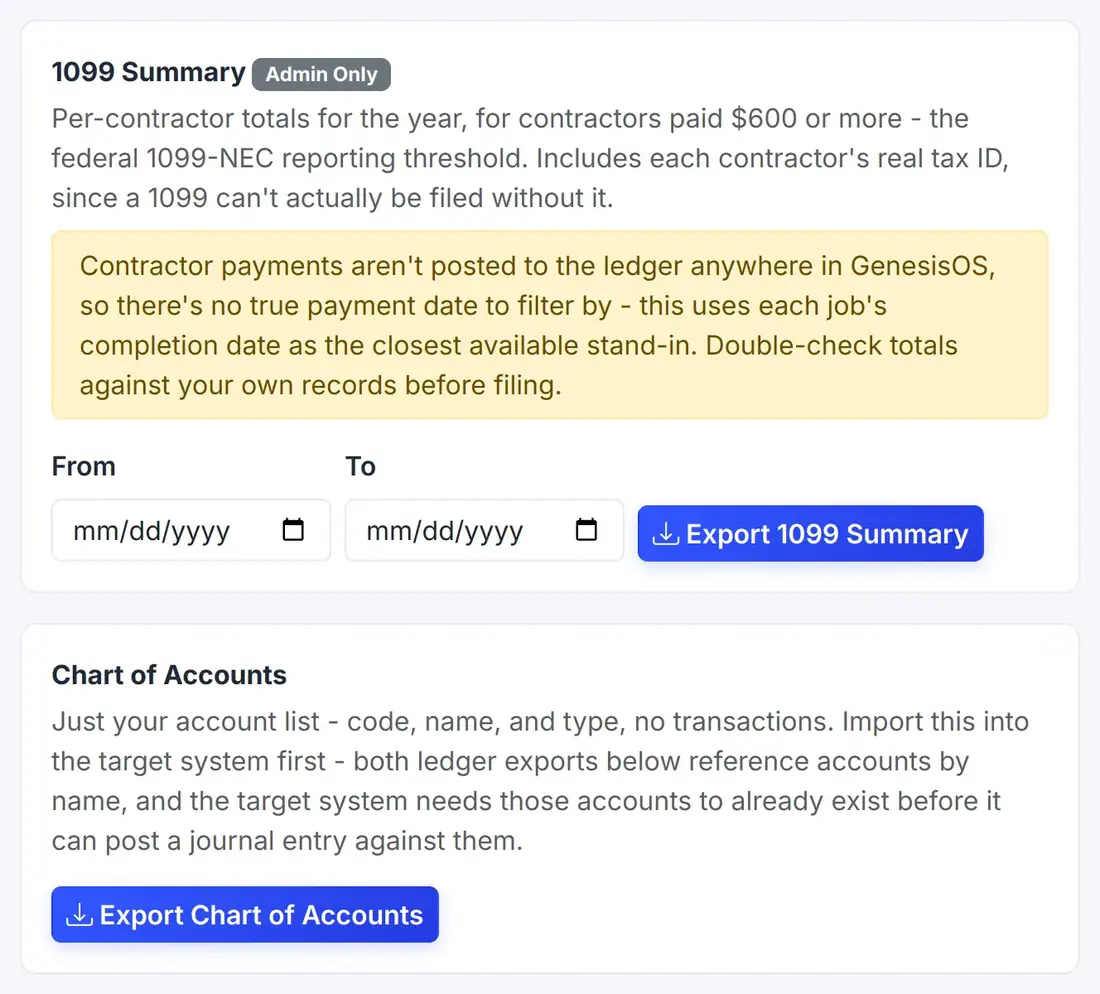
Chart of accounts export
Download your chart of accounts so a new system or an accountant can start with the same account list.
Ledger export
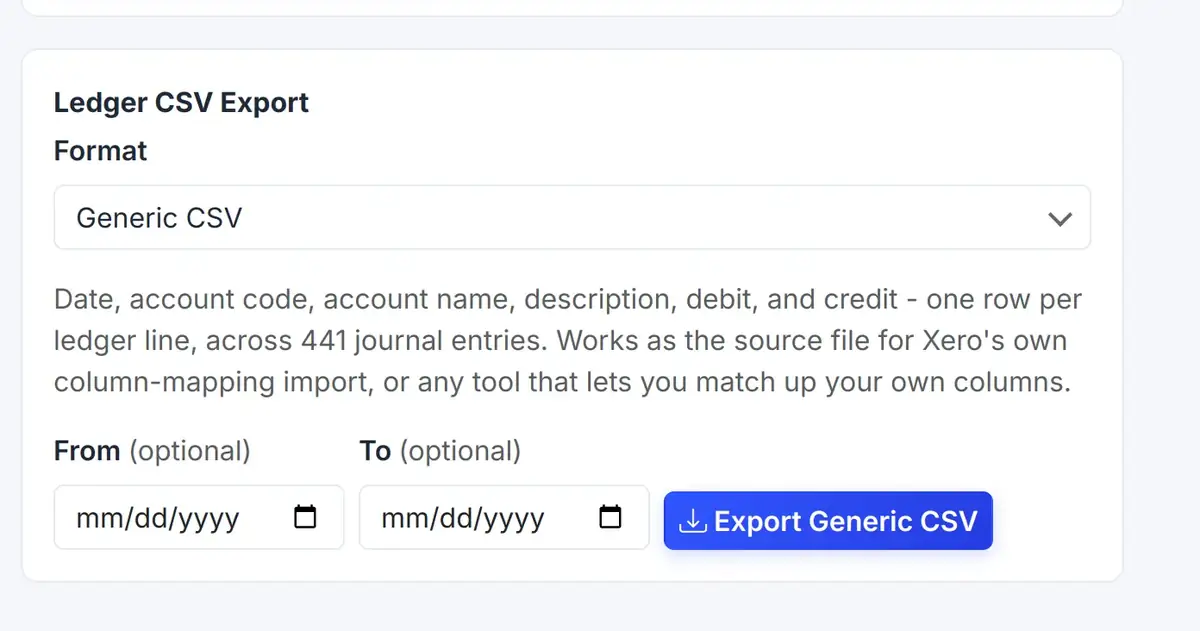
Export every ledger line, with date, description, account, and amount, for the dates you choose or for all time.
The layout they prefer
Choose a generic CSV or a layout for QuickBooks, depending on what your accountant uses.
Works with other software
The generic file works as the source for another system's own column-mapping import, such as Xero's.
A 1099 summary
Get per-contractor payment totals for the year, to help you prepare your contractor forms.
Bank transactions in, too
On the same page, import your bank's CSV of transactions into a bank account.
Ledger export in two choices
Choose the file layout and, if you like, a date range, then download. That is all your accountant needs.
 123
Every ledger line in one file.
Choose the layout your accountant prefers.
Download the file when you are ready.
From the first step to a finished job.
Open Import / Export
Find it under Settings.
Pick the export
Choose the chart of accounts, the ledger, or the 1099 summary.
Set the dates and format
Limit the ledger by dates if you like, and pick the layout.
Download and share
Send the file to your accountant or load it into another system.
Tax time, without the scramble
Your accountant asks for last year's books. You choose the ledger export, set January 1 to December 31, and download one CSV.
You also download the 1099 summary, so the contractor totals are ready for the forms.
Sample files. The contents come from your own books.
Connected to the rest of your operation.
Good to know.
Need a module we don’t have?
GenesisOS is modular, so we can build one just for you.
Run your business from one connected system.
Replace disconnected handoffs with shared records, purpose-built modules, and workflows that move the work forward.